



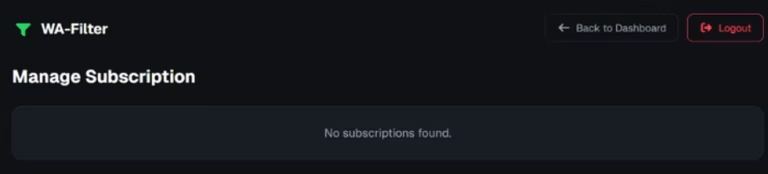

Unsubscribe from WA-Filter
Easily unsubscribe your WA-Filter Premium Plan in some quick steps.
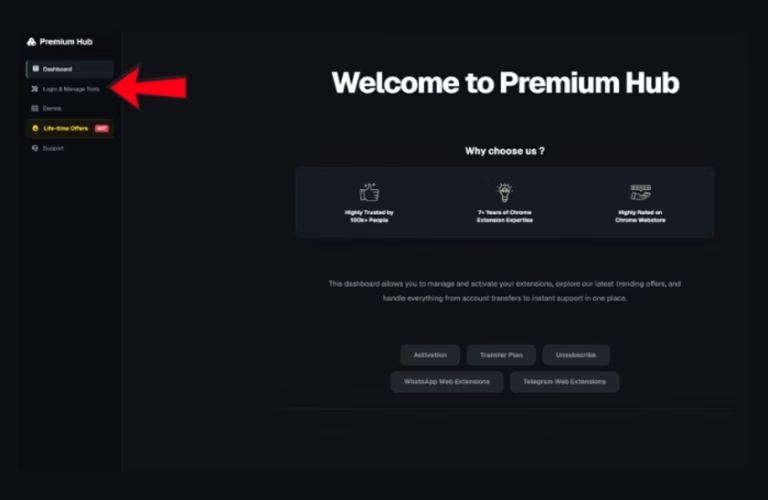
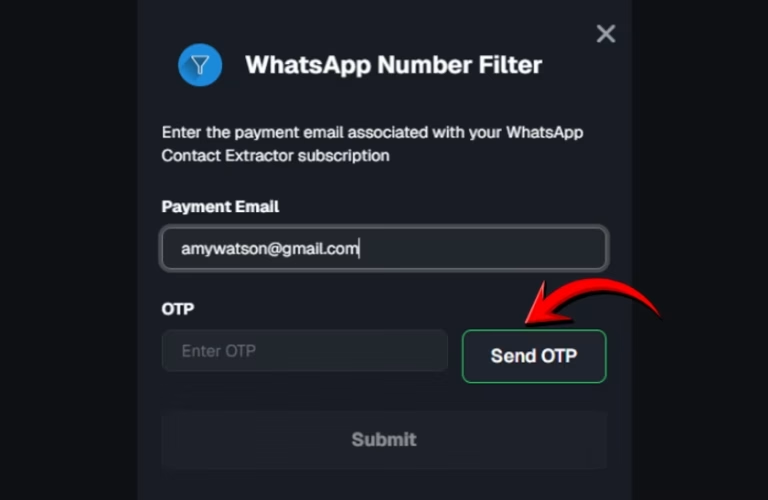
Click on the Login & Manage tab within the dashboard. Locate your extension card and click “Login & Manage.” Enter your payment email and click “Send OTP.
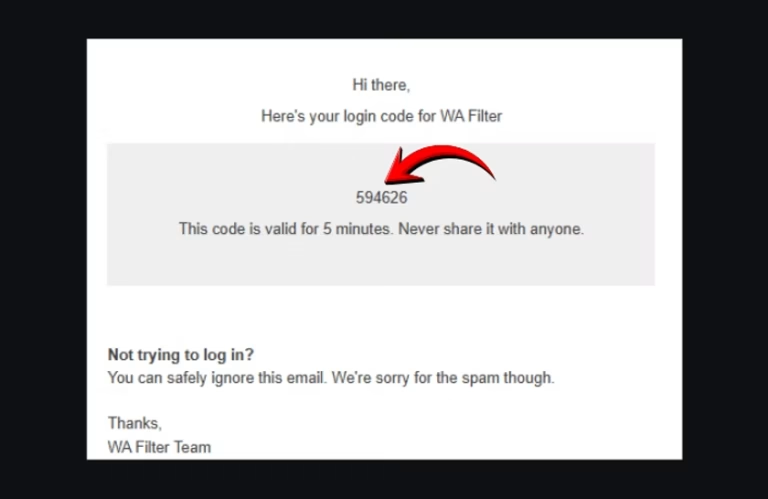
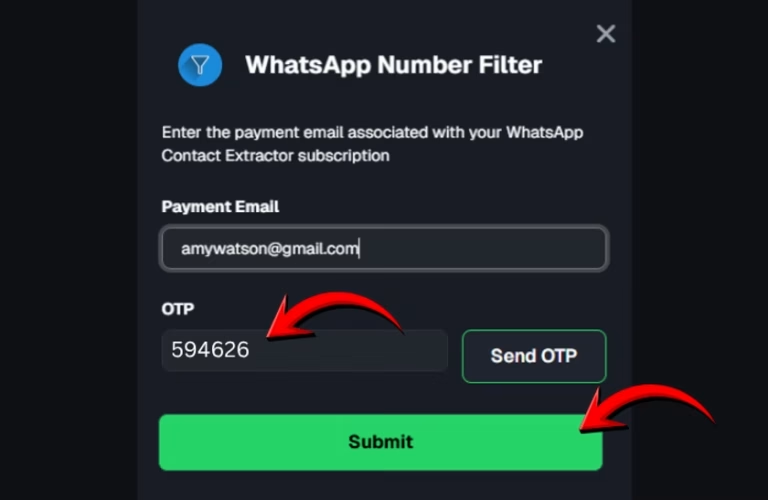
In the subscription panel, find the Log in Code and click the copy icon. Then paste it in your extension card.
Click the “Cancel” button at the top right of your subscription details to stop auto-renewal. Your subscription will then be canceled.

A Product by Premium Hub
“This tool is not affiliated with, associated with, or endorsed by WhatsApp Inc.”
© 2023 WA-Filter | All rights reserved.